Teamfight Tactics (TFT) is Riot Games’ free-to-play auto-battler — an 8-player strategy game where you draft champions, build team compositions, and outlast everyone else. Available on PC, Mac, Android, and iOS, it’s one of the most storage-efficient competitive games you can install right now.
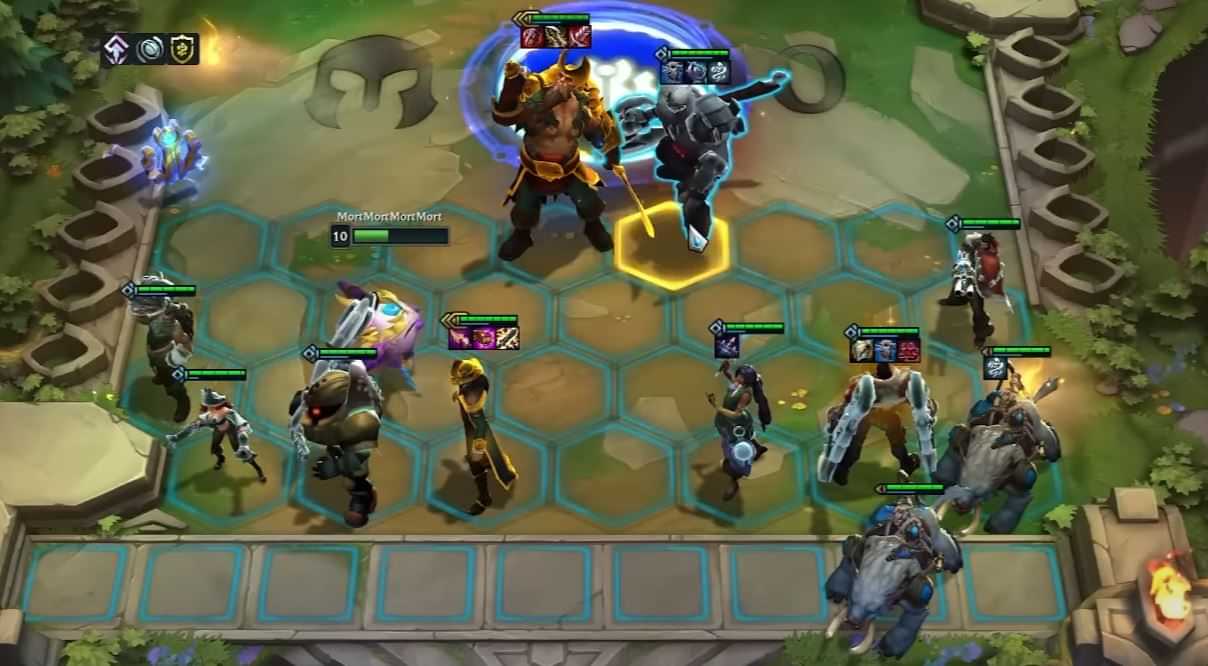
If you’re about to download it, here’s exactly how much space you need on every platform, what hardware you need to run it, and how to clear room if you’re short on storage.
Want to climb TFT ranked faster? Check out our TFT Boosting — pick your rank, get matched with a Challenger booster, and skip the grind.
Related Guides:
How Big Is TFT? Quick Answer
TFT takes 12 GB on PC and Mac, ~90 MB on Android, and 137 MB on iOS. It is one of the smallest competitive games available on any platform.
TFT File Size by Platform in 2026
| Platform | Download Size |
|---|---|
| PC (Windows) | 12 GB |
| Mac (macOS) | 12 GB |
| Android | ~90 MB |
| iOS (iPhone / iPad) | 137 MB |
One important note on PC and Mac: TFT runs through the Riot Client, which is shared with Valorant and League of Legends. If you already have the Riot Client installed from another Riot game, the additional space TFT needs is significantly less than 12 GB — only the TFT-specific game assets download on top of what’s already there.
Keep an extra 3–5 GB free on PC and Mac, and 500 MB on mobile. TFT updates every two weeks and temporary patch files eat extra space during downloads before cleaning up.
How to Download TFT on PC and Mac
TFT installs through the Riot Client on both Windows and macOS.
- Go to riotgames.com and click Play Free
- Download the Riot Client (~100 MB)
- Run the installer and log in or create a Riot account
- Select Teamfight Tactics from the game list
- Click Install — have at least 12 GB free before starting
The full download takes 15–30 minutes on a typical connection. Wired is noticeably faster than Wi-Fi.
How to Download TFT on Mobile
TFT runs on Android and iOS with full crossplay — mobile and PC players share the same lobbies and ranked ladder.
Android:
- Open Google Play Store
- Search Teamfight Tactics
- Tap Install — requires Android OS 7 or newer
- Log in with your Riot account
iOS:
- Open App Store
- Search Teamfight Tactics
- Tap Get — requires iOS 13 or newer
- Log in with your Riot account
TFT System Requirements (PC & Mac)
| Spec | Minimum | Recommended |
|---|---|---|
| OS | Windows 7/8/10, macOS 10.12+ | Windows 10, macOS 12+ |
| Processor | Intel Core i3-530 / AMD A6-3650 | Intel Core i5-3300 / AMD Ryzen 3 1200 |
| RAM | 2 GB | 4 GB |
| Graphics | NVIDIA 9600GT / AMD HD 6570 / Intel HD 4600 | Same |
| Storage | 16 GB | 16 GB |
| Internet | Broadband | Broadband |
Most hardware from the last five years clears these specs without issue. ARM processors on Windows are not supported.
How Does TFT Compare to Other Games?
| Game | Storage Required |
|---|---|
| Teamfight Tactics | 12 GB |
| League of Legends | 21 GB |
| Rocket League | 25 GB |
| Valorant | 30 GB |
| Dota 2 | 48 GB |
| Apex Legends | 75 GB |
TFT is the smallest competitive game in this group by a wide margin.
How to Free Up Space for TFT
Clear temporary files — Press Win + R, type %temp%, delete everything in the folder. Frees 2–5 GB on most PCs with no risk.
Uninstall unused games — One large game removed frees more space than clearing dozens of small files.
Move photos and videos to cloud — Google Drive, OneDrive, or iCloud. Files stay accessible, storage is freed immediately.
Use an external SSD — TFT can be installed directly to an external drive with no performance loss.
Clear app cache on mobile — Settings → Storage → clear cache for apps you use regularly.
TFT at a Glance
| Category | Detail |
|---|---|
| Smallest install | Android at ~90 MB |
| Largest install | PC / Mac at 12 GB |
| Free-to-play | Yes, on every platform |
| Cross-play | PC, Mac, Android, and iOS |
| Current set | Space Gods (patch 17.1, April 2026) |
| Set length | 3–4 months, with mid-set patches |
| Best platform for new players | Mobile — smallest install, easy onboarding |
| Best platform for competitive | PC or Mac — full client, precise controls |
Conclusion
Teamfight Tactics is the smallest, most accessible competitive game in the Riot Games lineup. PC players need 12 GB, mobile players get away with under 150 MB, and crossplay ties everyone into the same ladder. Quick checklist before you install:
- For PC: Have 12 GB free and meet the basic system requirements.
- For Android: Make sure you’re on OS 7 or newer with 82 MB available.
- For iOS: Make sure you’re on iOS 13 or newer with 137 MB available.
- For Storage Issues: Clear temp files and move photos to cloud storage first.
- For Climbing: Pair daily play with a strong meta comp guide.
Once you’re in, the real fun begins. Master your econ, learn the meta comps, and grind to Challenger. The TFT community is growing every patch, and now is one of the best times to start.
FAQ Related to TFT
How big is TFT on PC in 2026?
12 GB on Windows and macOS. Keep 3–5 GB additional free for patches.
How big is TFT on Android?
Approximately 90 MB for the initial install. Patches add temporary storage during updates.
Does TFT run on Mac?
Yes. TFT supports macOS through the Riot Client. Minimum macOS 10.12, recommended macOS 12 or newer.
Is TFT cross-platform?
Yes. PC, Mac, Android, and iOS all share the same lobbies, ranked ladder, and account progress through your Riot account.