Yes — Genshin Impact is fully cross-platform in 2026. You can play with friends across PC, Mobile (iOS and Android), PlayStation 5, and Xbox Series X|S from a single account. Your progress carries everywhere, multiplayer works across all platforms, and account linking takes just a few minutes to set up.
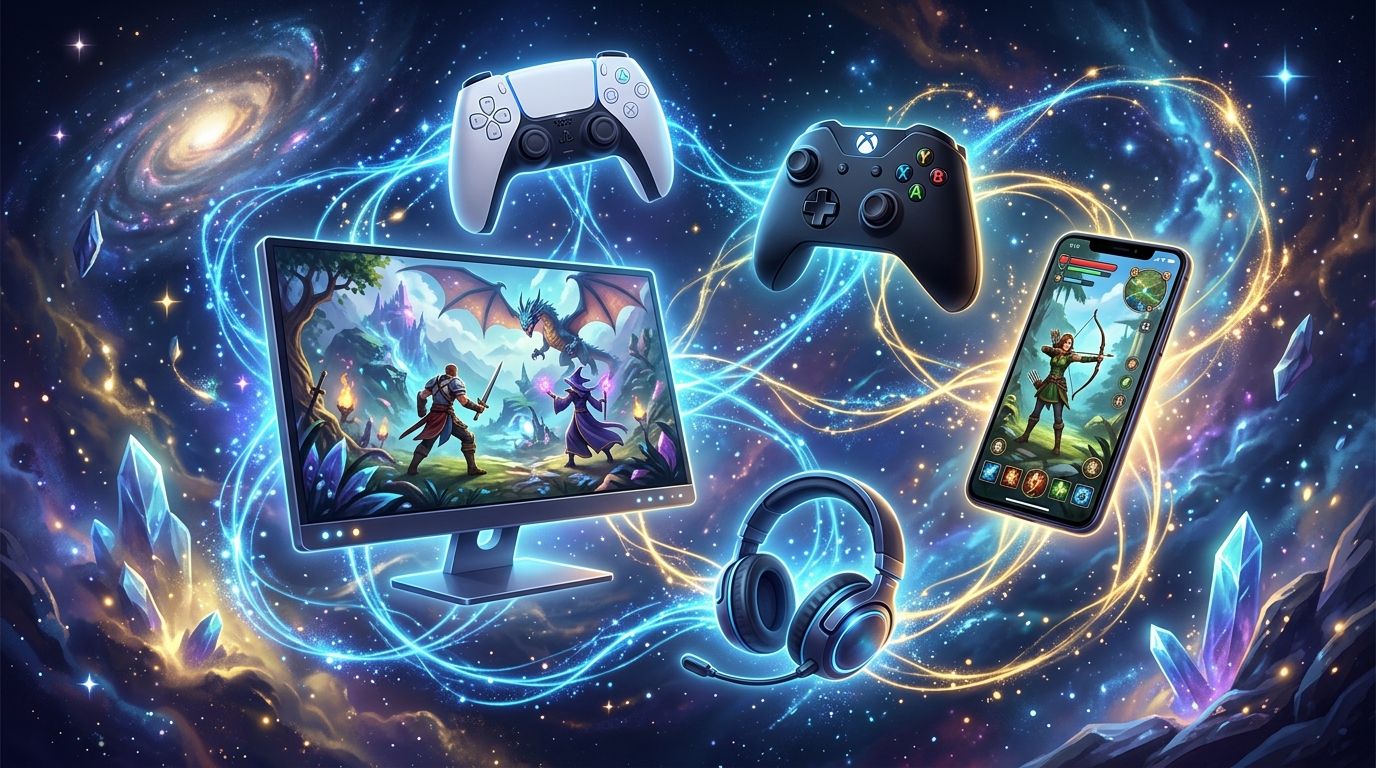
Two big changes happened since 2025 that every player should know about: PS4 support is ending in April 2026, and the first internal evidence of a Nintendo Switch version appeared in datamined files from version 6.5. This guide covers the full platform status, how to link your account correctly, and the step-by-step setup for every platform combination.
Want to skip the grind on any platform? Check out our Genshin Impact Carry Services — character leveling, exploration completion, and weapon leveling all available with fast turnaround and secure account handling.
Related Guides:
- Genshin Impact Size Guide: Storage Requirements on Every Platform
- Genshin Impact: How to Fix FPS Issues on PC & Mobile
- 15 Most Popular Genshin Impact Female Characters
Genshin Impact Platform Support in 2026 — Full Status
Here is the complete crossplay status for every platform as of mid-2026.
| Platform | Crossplay | Cross-Save | 2026 Status | Notes |
|---|---|---|---|---|
| PC (Windows / Mac) | ✅ Yes | ✅ Yes | Fully supported | Native HoYoverse login — no setup needed |
| Mobile (iOS / Android) | ✅ Yes | ✅ Yes | Fully supported | Native HoYoverse login — seamless with PC |
| PlayStation 5 | ✅ Yes | ✅ Yes | Fully supported | Requires PSN + HoYoverse account link |
| PlayStation 4 | ⚠️ Ending | ⚠️ Ending | Support ends April 2026 | Bind your account to another method now |
| Xbox Series X|S | ✅ Yes | ✅ Yes | Fully supported (since Nov 2024) | Requires Microsoft + HoYoverse account link |
| Xbox Cloud Gaming | ✅ Yes | ✅ Yes | Supported in eligible regions | Stream without downloading — same account |
| GeForce NOW | ✅ Yes | ✅ Yes | Supported in eligible regions | PC streaming via cloud — same HoYoverse login |
| Nintendo Switch | ❓ TBD | ❓ TBD | Not yet released | Internal files found in v6.5 — no release date |
Important 2026 Update: PS4 Support Is Ending
If you are still playing Genshin Impact on PS4, this is urgent. HoYoverse announced that the PS4 version of Genshin Impact is being discontinued. After April 2026, the PS4 version will no longer receive updates or new content.
What you need to do right now if you play on PS4:
- Go to Settings → Account → User Center in-game
- Bind your account to a HoYoverse account, email, or another login method
- Your game data is saved to your account, not your console — so binding it means you keep everything when you switch to PS5, Xbox, PC, or Mobile

Do not wait on this. Once PS4 support ends, accessing your save through PS4 exclusively becomes impossible. Binding your account takes under 5 minutes and protects everything you have built.
2026 Nintendo Switch Update — Signs of Progress
The Nintendo Switch version of Genshin Impact has been “in development” since HoYoverse first announced it in 2020. There has been no release date. However, in May 2026, a datamine from leaker Kuroo in the version 6.5 update files discovered a “Nintendo Switch account Login Manager” present in the game’s internal code.
This doesn’t confirm a release date — it could be early infrastructure testing or internal development work. But it is the most concrete technical evidence yet that HoYoverse is actively building toward a Switch release. Crossplay and cross-save are expected to work on Switch the same way they do on every other platform, given that the account system is already built around the HoYoverse universal login.
Does Genshin Impact Support Crossplay Between All Platforms?
Yes. Crossplay in Genshin Impact is enabled by default across PC, Mobile, PS5, and Xbox Series X|S. There is no setting to toggle and no additional step required to play with friends on different platforms.
The one requirement: you and your friends must be on the same server region. Genshin has three servers — Asia, Europe, and America (which also covers global players outside Asia and Europe). If your friends are on a different server region, you cannot play together regardless of platform. Make sure everyone chose the same region when they first created their account.
Multiplayer features unlock when you reach Adventure Rank 16 and complete the Archon Quest Prologue: Act I. Once unlocked, you can add friends by exchanging UIDs and invite them to your world regardless of which platform they use.
Cross-Save Guide — How It Works on Every Platform
Cross-save in Genshin Impact means your account, characters, Primogems, weapons, and progress are stored on HoYoverse’s servers — not on your local device. Log into the same account on any supported platform and you pick up exactly where you left off.
PC and Mobile — Zero Setup Required
PC and mobile players have the simplest experience. Both platforms use native HoYoverse credentials to log in, and cross-save between them is automatic and has been since launch. Switch between your phone and PC as often as you want — nothing needs to be configured. The only practical consideration is that mobile devices can heat up during extended Genshin sessions due to the game’s size and processing demands.
Moving to Xbox or PlayStation — Link Before You Play
This is the step that trips up the most players. When you launch Genshin Impact on Xbox or PlayStation for the first time, the game will ask you to log in. Do not skip this screen.
If you bypass the login prompt and start playing before linking your HoYoverse account, Genshin Impact creates a brand new account tied to your console profile. Your original account remains separate and your console progress cannot be merged with it later.
Steps to link correctly (first-time console setup):
- Launch Genshin Impact on Xbox or PlayStation
- When prompted at the login screen, select Log in with HoYoverse Account
- Enter your existing HoYoverse email and password
- Your existing account loads — all progress intact
Moving From Console to PC or Mobile
If you started Genshin on PlayStation or Xbox and want to access your account on PC or mobile, you need to create a HoYoverse account linked to your console profile first.
- In-game, go to Settings → Account → User Center
- Press Proceed to open the HoYoverse website in your console browser
- Click Link to create a new HoYoverse account
- Complete registration — use an email not already registered to a HoYoverse account
- Your console progress saves to the new account — use the same credentials on PC or mobile to access it
How to Unlock Accounts (Xbox and PlayStation)
If you need to unlink your HoYoverse account from your Xbox or PlayStation profile, you can do this through the HoYoverse website by logging into your account and managing your linked platform connections.
Critical warning: each platform can only be unlinked once. This is a permanent action per platform. Make absolutely sure you want to unlink before proceeding, and do not unlink if you are still actively playing on that console.
Genshin Impact Crossplay — Key Rules Summary
| Rule | Detail |
|---|---|
| Same server required | You can only play multiplayer with friends on the same server region (Asia / Europe / America) |
| Adventure Rank to unlock multiplayer | Adventure Rank 16 + Archon Quest Prologue Act I completion required |
| How to add friends cross-platform | Exchange UIDs — no platform-specific steps needed |
| Cross-save is automatic | Enabled by default across all platforms — no settings to change |
| Account data storage | Stored on HoYoverse servers, not your device — safe to switch platforms anytime |
| Console first-time setup | Must link HoYoverse account at the FIRST login screen — skipping creates a new account |
| Unlink limit | Each platform can only be unlinked once — permanent action |
| PS4 status | Support ending April 2026 — bind your account to another method immediately |
| Server transfer | Cannot transfer character data between server regions |
| Crossplay on cloud platforms | Xbox Cloud Gaming and GeForce NOW use the same HoYoverse account — fully compatible |
Common Crossplay Questions
Can PC and PS5 players play together? Yes. Once both players are on the same server region and Adventure Rank 16+, PC and PS5 players can join the same world and play together without any additional setup.
Can Xbox and Mobile players play together? Yes. All supported platforms are in the same crossplay pool. Xbox and mobile players join the same lobbies and can add each other using UIDs.
Do PS4 players lose their account when support ends? No — your account data is stored on HoYoverse’s servers, not your PS4. As long as you bind your account to a HoYoverse login before April 2026, your progress transfers to any other supported platform.
Is there any crossplay delay or disadvantage? No. Genshin Impact does not separate players by platform in matchmaking and there is no performance penalty for playing cross-platform. Controller and touch screen players are on the same footing as mouse-and-keyboard players in co-op.
Conclusion
Genshin Impact has one of the most complete and seamless cross-platform setups of any live-service game in 2026. Here is the full checklist before you play:
- PC and Mobile players: Nothing to set up — cross-save is automatic.
- Xbox and PS5 players: Link your HoYoverse account at the very first login screen before doing anything else.
- PS4 players: Bind your account to a HoYoverse login before April 2026 — support is ending and this protects your progress.
- Want to play with friends: Make sure you are all on the same server region, then exchange UIDs to add each other.
- Nintendo Switch: No release date yet, but internal files suggest active development as of May 2026.
Your account goes wherever you go in Genshin Impact. Log in, pick up where you left off, and explore Teyvat on any device you have in your hands.
FAQ
Is Genshin Impact cross-platform in 2026?
Yes. Genshin Impact fully supports cross-platform play and cross-save in 2026 across PC, Mobile (iOS and Android), PlayStation 5, and Xbox Series X|S. All platforms share the same servers and use a single HoYoverse account to carry progress everywhere.
Is PS4 support ending for Genshin Impact?
Yes. HoYoverse officially discontinued the PS4 version on April 8, 2026. PS4 players must bind their account to a HoYoverse login via Settings → Account → User Center to keep their progress on PS5, Xbox, PC, or mobile.
Is Genshin Impact coming to Nintendo Switch in 2026?
No confirmed release date has been announced, though a May 2026 datamine of version 6.5 files found a Nintendo Switch account Login Manager internally. HoYoverse first announced a Switch version in 2020 but has not provided a launch window since.
How do I set up crossplay on Xbox for Genshin Impact?
When launching Genshin Impact on Xbox for the first time, select Log in with HoYoverse Account and enter your existing credentials before doing anything else. Skipping this screen creates a brand new account tied to your Xbox profile, and the two accounts cannot be merged.
Do Genshin Impact players need to be on the same server to crossplay?
Yes — both players must be on the same server region (Asia, Europe, or America) for cross-platform multiplayer to work. Platform does not matter, but server region does, and it cannot be changed after account creation without starting over.