


Modding is one of the best parts of PC gaming. It allows players to customize how a game looks, sounds, and sometimes even how it feels to play. From visual upgrades to sound improvements, mods can completely change your experience.
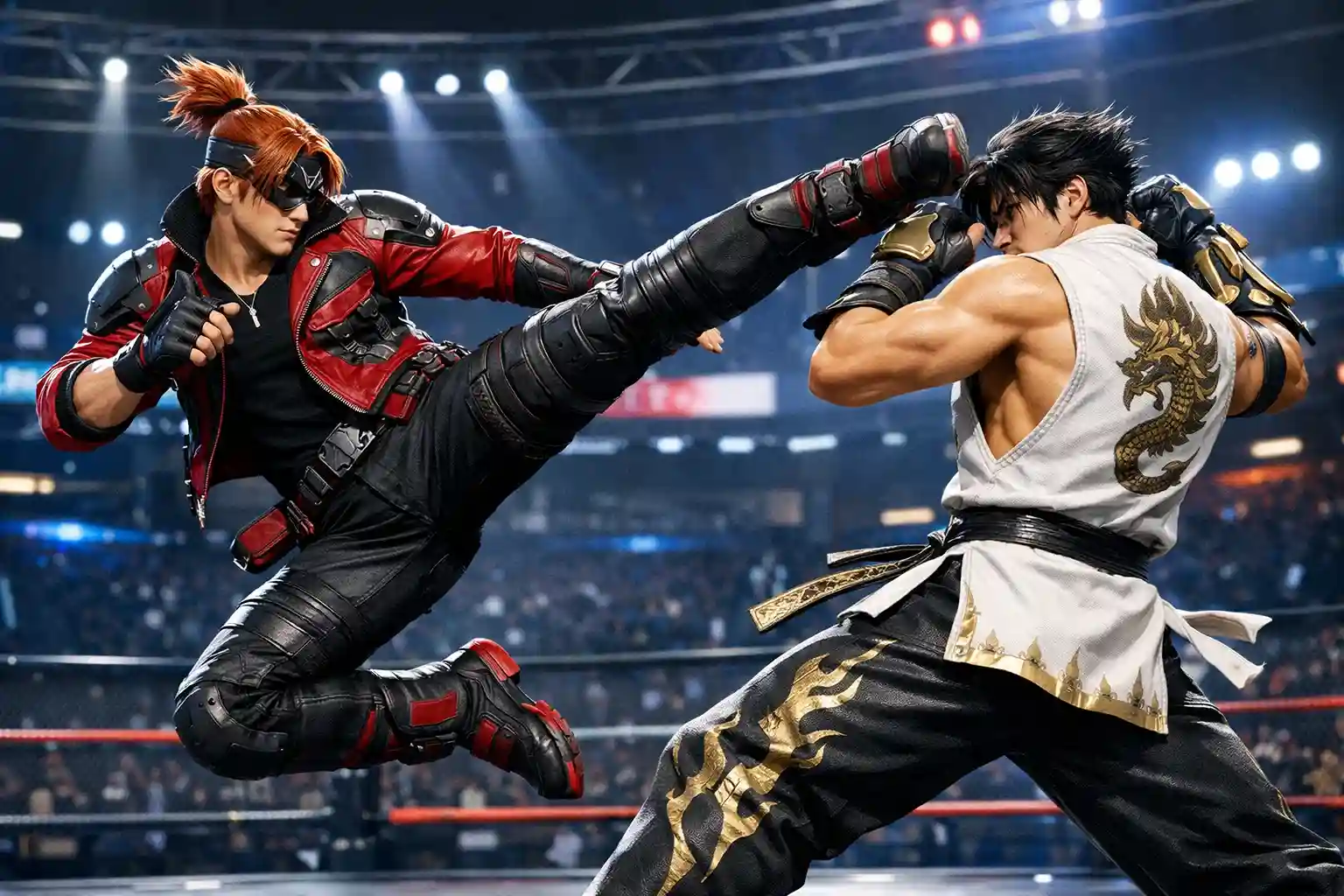
Tekken 8 is one of the few modern fighting games that allows players to use mods even when playing online, as long as those mods do not affect gameplay or give unfair advantages. That means cosmetic and audio mods can be used safely while still enjoying online matches.
In this guide, you’ll learn how to install Tekken 8 mods on PC, where to download them, and how to get everything running in just a few minutes.
Stuck losing matches or struggling to climb ranked in Tekken 8? Many players spend hours grinding but still can’t break through higher tiers. With our Win Boost service, experienced players help you secure the wins you need so you can rank up faster and enjoy the game without the frustrating grind.
Related Guides:
- Tekken 8: Season 2 Tier List
- Tekken 8: Ranks & Ranking System Explained
- Tips To Improve FPS in Tekken 8
- Tekken 8: Everything You Should Know About Cross Platform
Can You Use Mods in Tekken 8?
Yes, Tekken 8 supports cosmetic mods on PC, and players can often use them even while playing online.
However, there are some important limitations:
| Rule | Explanation |
|---|---|
| Mods only work on PC | Steam and Epic versions allow modding |
| Console versions cannot be modded | PlayStation and Xbox restrict game file access |
| Gameplay mods are risky | Mods that affect mechanics may cause issues online |
Most Tekken 8 mods focus on:
- Character skins
- Visual improvements
- Audio changes
- UI customization
These types of mods typically work safely.
How to Install Tekken 8 Mods
Before installing mods, make sure:
- You have the PC version of Tekken 8
- The mod files are downloaded and extracted
The installation process mainly involves placing the mod files into a specific game folder.
How to Install Tekken 8 Mods on Steam
Most Tekken 8 players use the Steam version, and installing mods here is very straightforward.
Step 1: Open Your Steam Library
Launch Steam and go to your Library.
Step 2: Open Game Properties
Right-click Tekken 8 and select Properties.
Step 3: Locate the Installed Files
Click Installed Files, then select Browse.
Steam will open the folder where Tekken 8 is installed.
Step 4: Navigate to the Correct Folder
Inside the game directory, go to the following path:
Polaris → Content → Paks
Step 5: Create the Mods Folder
Inside the Paks folder, create a new folder named:
~mods
Step 6: Add the Mod Files
Place the extracted mod files inside the ~mods folder.
Launch Tekken 8 and the mods should load automatically.
How to Install Tekken 8 Mods on Epic Games
If you own Tekken 8 through Epic Games, the process is almost identical.
Step 1: Open Epic Games Launcher
Launch the Epic Games Launcher and go to your Library.
Step 2: Manage the Game
Right-click Tekken 8 and select Manage.
Step 3: Open Installation Folder
Click the folder icon next to the installation path.
Step 4: Navigate to the Mods Folder
Follow this path:
Polaris → Content → Paks
Create a folder called:
~mods
Step 5: Add Your Mod Files
Paste your downloaded mod files into the ~mods folder.
Start the game and the mods will activate automatically.
Where to Download Tekken 8 Mods
There are several reliable websites where you can download Tekken 8 mods safely.
| Website | Description |
|---|---|
| Nexus Mods | One of the largest modding communities |
| Mod DB | Long-standing platform for game modifications |
| CurseForge | Popular platform with verified mod files |
These websites host thousands of mods including:
- Character outfit mods
- Graphic enhancement mods
- Sound replacements
- Interface improvements
Best Mods to Try First in Tekken 8
If you’re new to modding, start with mods that are safe and easy to install.
Visual Enhancement Mods
These improve lighting, textures, and overall graphics quality.
Audio Mods
These modify sound effects, announcer voices, or music.
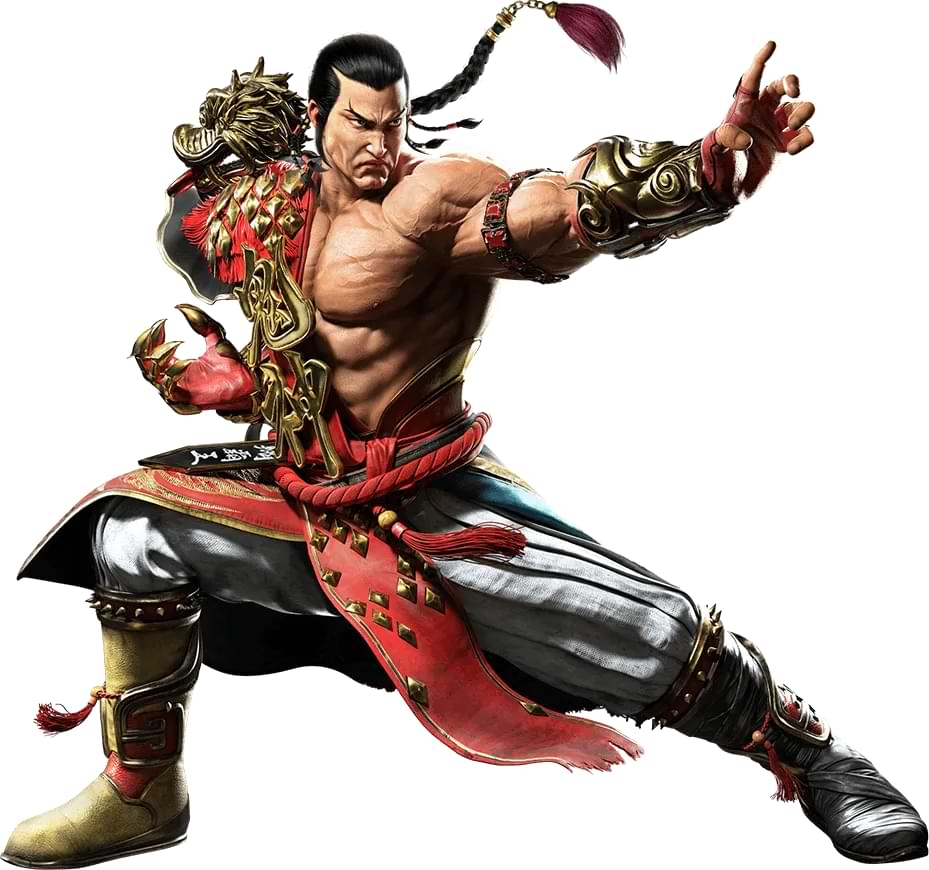
Character Costume Mods
These replace outfits or add alternate character appearances.
These mods are widely available and usually work without causing gameplay issues.
Tips for Using Tekken 8 Mods Safely
To avoid problems when modding your game, follow these tips:
- Download mods only from trusted websites.
- Always extract compressed mod files before installing them.
- Avoid gameplay-altering mods when playing online.
- Keep a backup of your game files if needed.
Following these guidelines will help keep your game stable.
Frequently Asked Questions
Can you use mods in Tekken 8 online?
Yes, cosmetic mods can usually be used while playing online as long as they do not change gameplay mechanics or provide unfair advantages.
Do Tekken 8 mods work on consoles?
No. Mods only work on the PC version of Tekken 8. Console platforms like PlayStation and Xbox do not allow game file modifications.
Are Tekken 8 mods safe to download?
Mods are generally safe if downloaded from trusted websites like Nexus Mods, Mod DB, and CurseForge.
Why are my Tekken 8 mods not working?
Mods usually fail to load if:
The mod was placed in the wrong directory
The ~mods folder is missing
Files were not extracted
Conclusion
Installing mods in Tekken 8 is simple once you know where the game files are located. By placing your downloaded mods inside the ~mods folder within the game directory, you can easily customize your experience with new visuals, audio changes, and character skins.
As long as you stick to cosmetic mods and download them from trusted websites, modding Tekken 8 can greatly enhance your gameplay without causing issues online.