Whether you’re building a mega city, customizing your avatar, or exploring wild new skins and worlds, Minecraft coins (also called Minecoins) are the digital currency that makes it all happen. But let’s face it — finding a safe and reliable way to buy Minecraft coins online isn’t always straightforward. With sketchy sites and hidden fees lurking around, it’s important to know exactly where and how to get your Minecraft coins safely and at the best price.
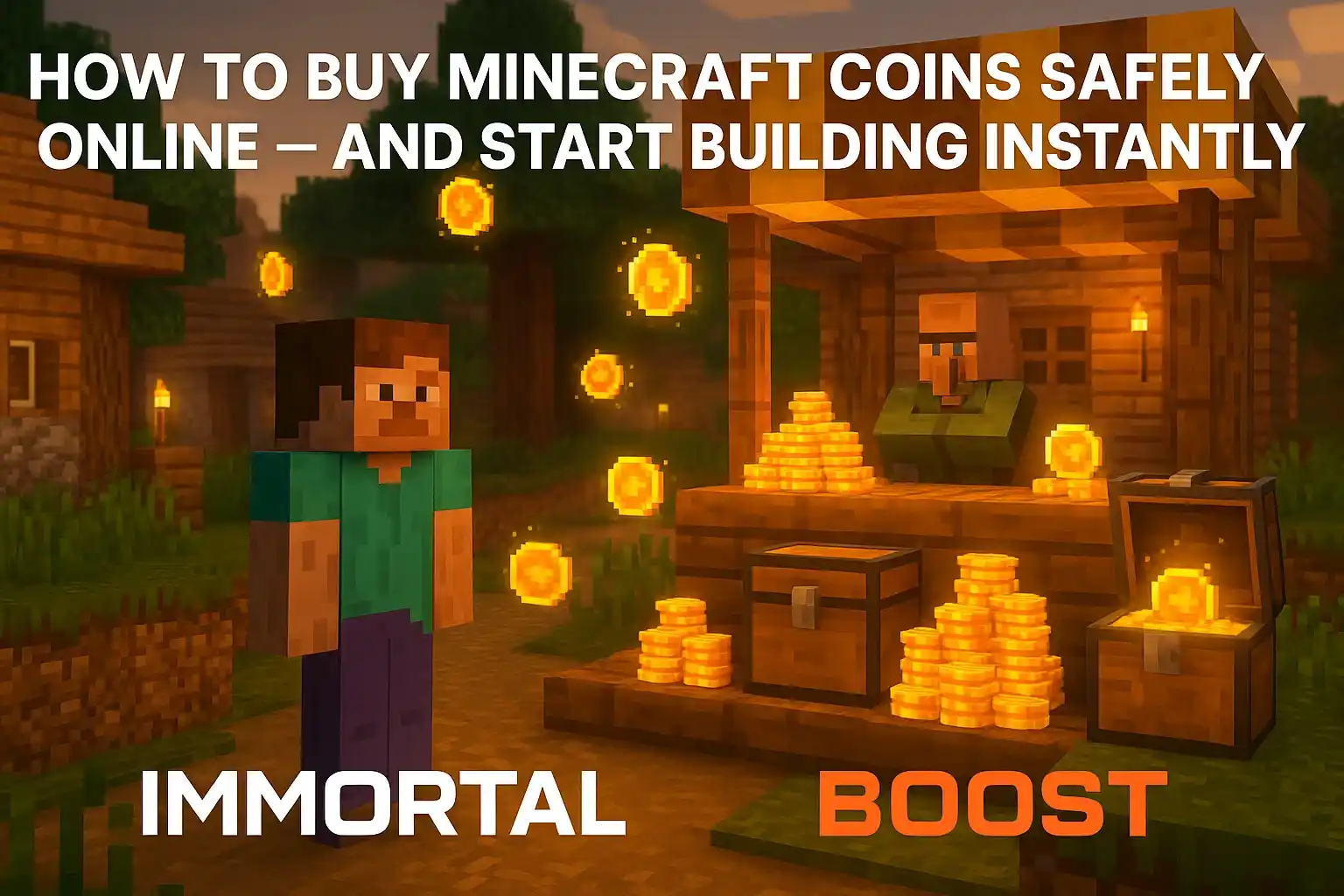
We’ve got you covered. Here’s a step-by-step guide to buying Minecraft coins online without any hassle — so you can spend less time worrying and more time crafting your next masterpiece.
Related articles:
- How to Find the End Portal in Minecraft – Fast & Easy 2025 Guide
- Minecraft 2025 Guide – Genius Tips Every New Player Must Try!
What Are Minecraft Coins?
Before we get into the how-to, let’s cover the basics. Minecraft coins are the official in-game currency used in the Minecraft Marketplace. They let you buy skins, texture packs, maps, and other user-created content.
Coins can be purchased with real money and are tied to your Minecraft account, which means you can use them across multiple devices — whether you’re on mobile, console, or PC.
If you’re playing on Minecraft Bedrock Edition, Minecoins are your go-to currency. They’re not just a convenience — they’re a core part of customizing your Minecraft experience.
Where to Get Minecraft Coins Safely
There are a few ways to purchase coins, including through the Minecraft game itself or via platform-specific stores like Xbox, PlayStation, or Nintendo Switch.
But if you’re looking to save money or take advantage of regional offers, using a trusted digital marketplace can be a smart move. Just make sure you’re buying from a reputable site that delivers digital codes instantly and securely — such as Eneba, which offers legit Minecraft coin codes and instant delivery.
How to Make the Purchase
Buying Minecraft coins online is usually a simple three-step process:
- Choose the amount you want (e.g., 1720, 3500, or 8000 coins).
- Select your platform (Xbox, Windows 10, etc.).
- Complete payment and receive your digital code via email or in your account dashboard.
Once you receive the code, redeem it in the Minecraft Marketplace or your chosen platform — and you’re ready to spend.
Safety Tips When Buying Game Currency Online
When dealing with third-party marketplaces, safety is key. Always:
- Check user reviews and site ratings.
- Avoid sites that ask for unnecessary personal information.
- Use secure payment methods like PayPal or platform-specific gift cards.
- Make sure the currency matches your account region to avoid compatibility issues.
If a deal seems too good to be true, it probably is. Stick with trusted platforms that gamers have relied on for years.
Final Thoughts
Minecraft is all about freedom, creativity, and exploration — and having a few extra Minecoins in your wallet can take your game to the next level.
Whether you’re buying new skins, downloading epic maps, or just browsing for something cool, Minecoins make it easy to enjoy the full Minecraft experience.
And when you’re ready to top up, remember that digital marketplaces like Eneba offering deals on all things digital make the process fast, safe, and cost-effective.
Game on, hero!