

To give back to the community, different video game companies do different things. Some host events in which they give out free rewards to players who participated in the game, some companies give badges to players who joined their beta programs, and others recognize their day-one supporters by gifting them free cosmetics and other items as a gesture of gratitude. Meanwhile, some simply give away free stuff to keep players engaged — hoping to monetize later on.
Dead by Daylight falls into the latter category, as the developers regularly give out free codes for in-game rewards every month. So, in this blog, we’ve compiled a consolidated list for you to easily claim these free goodies yourself.
Boost your gameplay with our Dead by Daylight Boosting Services — fast, secure, and handled by professional players. Whether you want higher ranks, more Bloodpoints, or completed Archives
October Codes
For October, here are some working codes that will grant you exclusive in-game rewards. We’ve also included a few extra ones that you can still redeem.
| Code | Reward |
|---|---|
| NIGHTSHIFT | Horror Attraction Banner — originally available via Discord, but now redeemable with the code. |
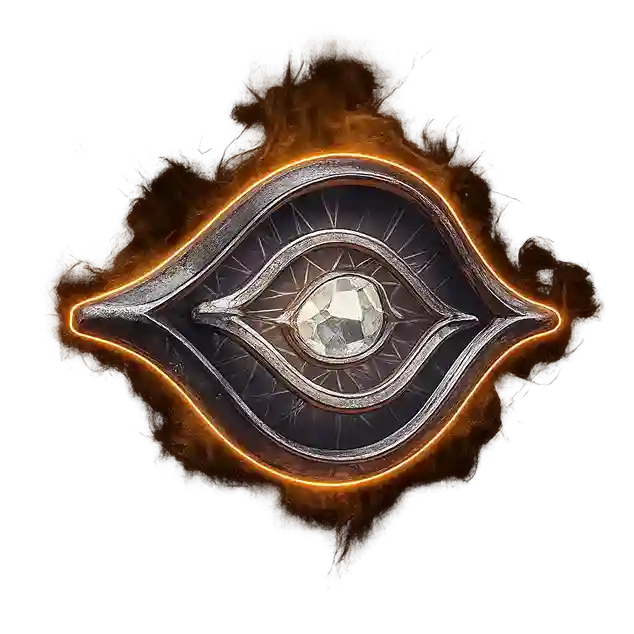
| IFLOOKSCOULDCHILL | Frosty Eye Killer Cosmetic — get a unique killer skin. |
| REDDIT1MIL | 8-bit Crow Profile Badge — a stylish, free cosmetic to celebrate the community milestone. |
Evergreen & Pride DBD Codes
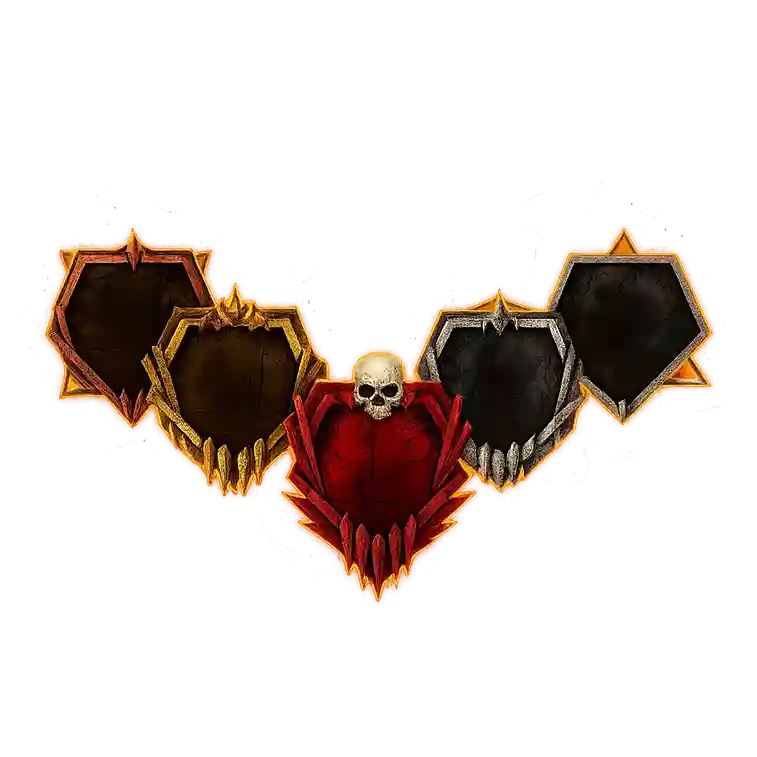
To show support for the LGBTQ+ community, Behaviour Interactive has added multiple player badges and flag charms in Dead by Daylight. Many of these codes are evergreen, meaning they have no expiry date and can be redeemed anytime.
| Code | Reward |
|---|---|
| BDGPRIDE | Pride Player Badge |
| BDGPRG | Progress Pride Player Badge |
| BDGL | WLW Player Badge |
| BDGM | MLM Player Badge |
| BDGB | Bisexual Player Badge |
| BDGP | Pansexual Player Badge |
| BDGT | Trans Player Badge |
| BDGGQ | Genderqueer Player Badge |
| BDGGF | Genderfluid Player Badge |
| BDGNB | Non-Binary Player Badge |
| BDGIS | Intersex Player Badge |
| BDGAG | Agender Player Badge |
| BDG2S | Two-Spirit Player Badge |
| BDGPA | Polyamory Player Badge |
| BDGAS | Asexual Player Badge |
| BDGAR | Aromantic Player Badge |
| BDGDM | Demisexual Player Badge |
| POLYFLAG | Polyamory Flag Charm |
| DEMISFLAG | Demisexual Flag Charm |
| AROMFLAG | Aromantic Flag Charm |
| TWOSFLAG | Two-Spirit Flag Charm |
| FLAGL | WLW Flag Charm |
| MFLAG | MLM Flag Charm |
| FLAGB | Bisexual Flag Charm |
| FLAGP | Pansexual Flag Charm |
| FLAGT | Transgender Flag Charm |
| ISFLAG | Intersex Flag Charm |
| AFLAGG | Agender Flag Charm |
| GFLAGF | Genderfluid Flag Charm |
| NBFLAG | Non-Binary Flag Charm |
| GFLAGQ | Non-Binary Flag Charm |
| AFLAGS | Glance of Pride Charm |
| KINDRD | Feathers of Pride Charm |
| CAWCAW | Rainbow Flag Charm |
| PRIDE | Rainbow Flag Charm |
| PRIDE2022 | Progress Pride Flag Charm |
| WARRIORPUPPERS | Warrior Puppers Charm |
| LETSROLL | Dwight Miniature Charm |
How to Redeem Codes
- Log in to Dead by Daylight with your account.
- Go to the Store and click on the Redeem Code button (top-right corner).
- Copy one of the codes listed above and paste it there.
- Click Redeem — that’s it!
Note:
Sometimes, a code might not work right away. Try again, and if it still doesn’t work, check the error message. Common messages include:
- “This code could not be redeemed because you already own the associated item.”
- “This code has already been claimed.”
- “This code is not valid. Please double-check you have entered it correctly and try again.”
- “This code has expired.”
- “This code could not be redeemed due to a server error. Please try again later.”
Conclusion
Dead by Daylight codes change every month. While some are permanent, the monthly ones are limited-time offers — so redeem them before they expire! Don’t worry about missing future ones; we’ll keep updating you with next month’s codes right here on the blog.
FAQs
NIGHTSHIFT, IFLOOKSCOULDCHILL, REDDIT1MIL
Launch Dead by Daylight → Go to Store → Open the Featured tab → Click Redeem Code (top-right) → Enter the code → Click Redeem.
It’s a server-related issue that mainly affects returning players who haven’t accessed the game for a long time.