Owning a PC for gaming purposes is a cheat code because on a PC, the sky is your limit, and you can choose from dozens of options. It all depends on which thing you like the most. If you want a practical pc without any other shenanigans attached to it, you can build it. If you are strapped for cash, then you can also go for a super budget build that’ll get you by it, and if you have more money, then you know what to do with it then you can go for an ultra high-end build.
The possibilities are endless. That’s the reason why almost 2 billion gamers are playing their favourite games on a PC, and to capture this big market, all games eventually get released on a pc. Just to make more money on their existing game. But that’s not the story with all of the games because some games just never do it.
Does not matter if they’re popular or not; some game companies just won’t do it. In the list of those games, there’s Brawl Stars, which is super popular among the fans, and it is by the same developers who made Clash of Clans. So they know how to make popular games, but the problem is that Brawl Stars is not going to be released on pc, and we have to find a way to make it work on pc. So keep being on this blog because we are just about to do that.
We can help you climb Brawl Stars Ranked quickly! Our PROs at Immortalboost will get you the RP you want so you can grab the best rewards. We offer fast results at the lowest prices!
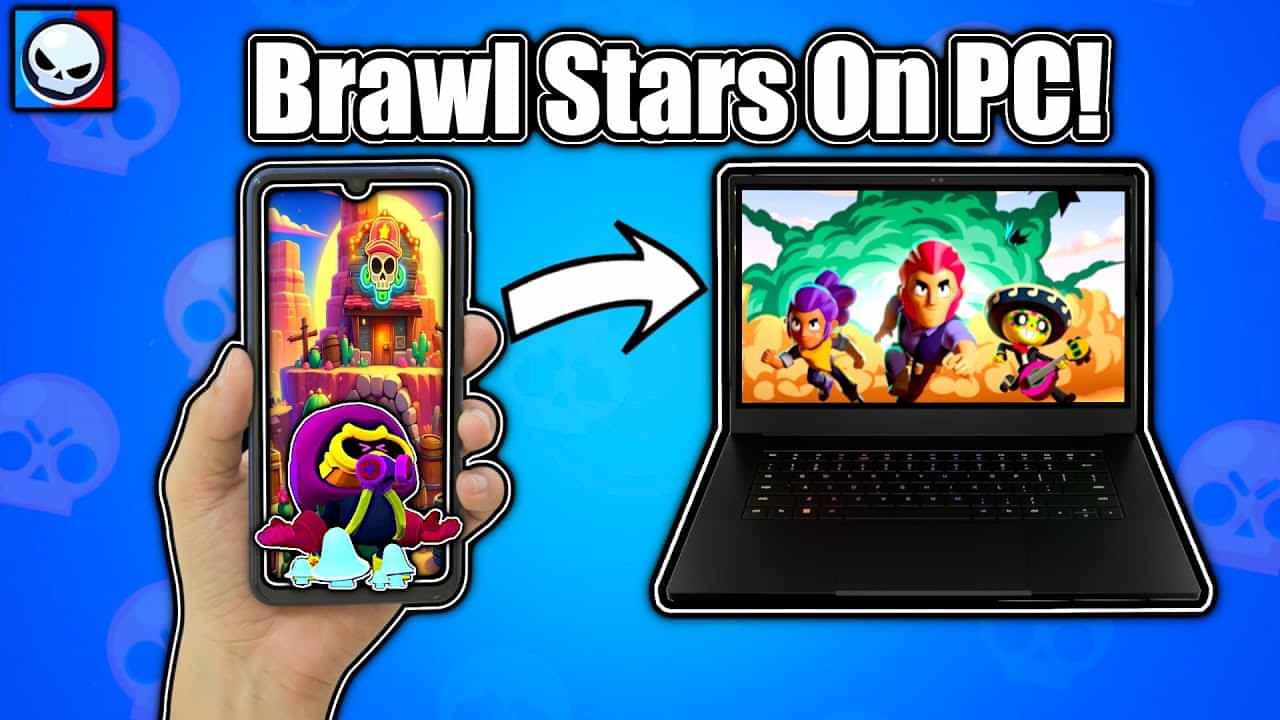
How to do It:
So here’s the step-by-step guide that will allow you to run the game on your pc. After following this guide step by step you’ll be able to use your mouse and keyboard to play Brawl Stars on your pc. Also you don’t need to have a high end pc to do this a mid range pc would suffice you just well enough.
Step one:
Install any emulator with a good company behind it, and there are tons of them online. I will compare some of the best emulators out there, and in the end, you will have the most context about which emulators suit your use case the best. So here’s the list of the best emulators available online, which you could use to play Brawl Stars
BlueStacks:
BlueStacks was made by now.gg Inc. was released back in 2011. So, for more than a decade of continuous development and feature integration into the emulators made it one of the best Android emulators out there. Here’s a bunch of things where BlueStacks shines.
- One of the better-performing emulators out there
- Can run multiple instances of the emulator, which might get handy for some users
- A lightweight emulator.
There are also problems with it, like sudden crashes in the game or sometimes not working entirely. Since the company behind it is a relatively small start-up, the problems with their emulators make sense.
Game Loop:
The second one has the most users compared to any other Android emulator out there. The game loop is developed by Tencent, which is one of the biggest game companies out there, and with more than 100 thousand employees working for them. This emulator is among the best in the world. Let’s quickly go through some of its main factors about why Gameloop is so good at emulating Android games.
- Game loop has a built in game library which supports a lot of game natively. So you don’t have to map every key or other settings manually.
- Has a way bigger team behind its development.
- Some high-budget games like COD Mobile OR pubg Mobile officially have support for a game loop.
Now, not all sun shines and rainbows and game loops have some drawbacks. First, it is relatively harder software to run on a budget pc. So if you have a low-spec pc, Game Loop should not be your choice. Not only does the game loop not have the largest number of games available to it. But apart from these two game loop is a better and more polished software.
LD player:
LD player is also a good choice for Brawl Stars since it is a simple drag-and-drop kind of emulator and does not have anything over complicated in it. So if you’re someone who is not much familiar with emulators, then LD player could be a good choice for you. Here’s a list of things that LD player does better than other Emulators
- Offers an extensive game library
- Easy to use, and installing APKs is super simple.
- Great for low-end PCs
The pros of LD players ends there and there are some shortcomings with it. Firstly it is not ideal for all gamers since the performance of the emulator heavily varies on the game you’re trying to play. For brawl star it is completely fine but for other games it might not be it is also not recommended to play newer titles on it.
Step 2:
After selecting the emulator, which I have given you extensive knowledge about above, install it on its official website. Which will be easy since a lot of them are beginner-friendly to install. After installing the emulator. Run it and log in with your Gmail ID into the emulator’s given Android phone
Step 3:
After signing into your Gmail account, simply go to the emulator’s given phone’s Play Store and download Brawl Stars from there. This procedure is pretty simple, and almost all of the emulators I have talked about above have the same process of installing the game. So you will not run into any problems with either of them.
Step 4:
After installing the game, you simply need to run the game and log in to your account. After that, you need to map the keyboard keys for your desired actions. And every emulator does it pretty much the same, so follow this to set keybinds for each emulator. On, you’ll see a joystick icon on your right in a list of other icons, which will be labeled Game controls.
Run your game, and after the game launches successfully, click on it. And now you will see a bunch of different keys attached to different actions of the game, and you can just change them by clicking on them and pressing the key you want it to be, and with some variations, you will be able to map any action to your desired key.