Rocket League is the wildest mix of cars and soccer ever shipped to gaming. Free-to-play, fast-paced, and packed with skill expression, the game still draws over 90 million monthly players years after launch.
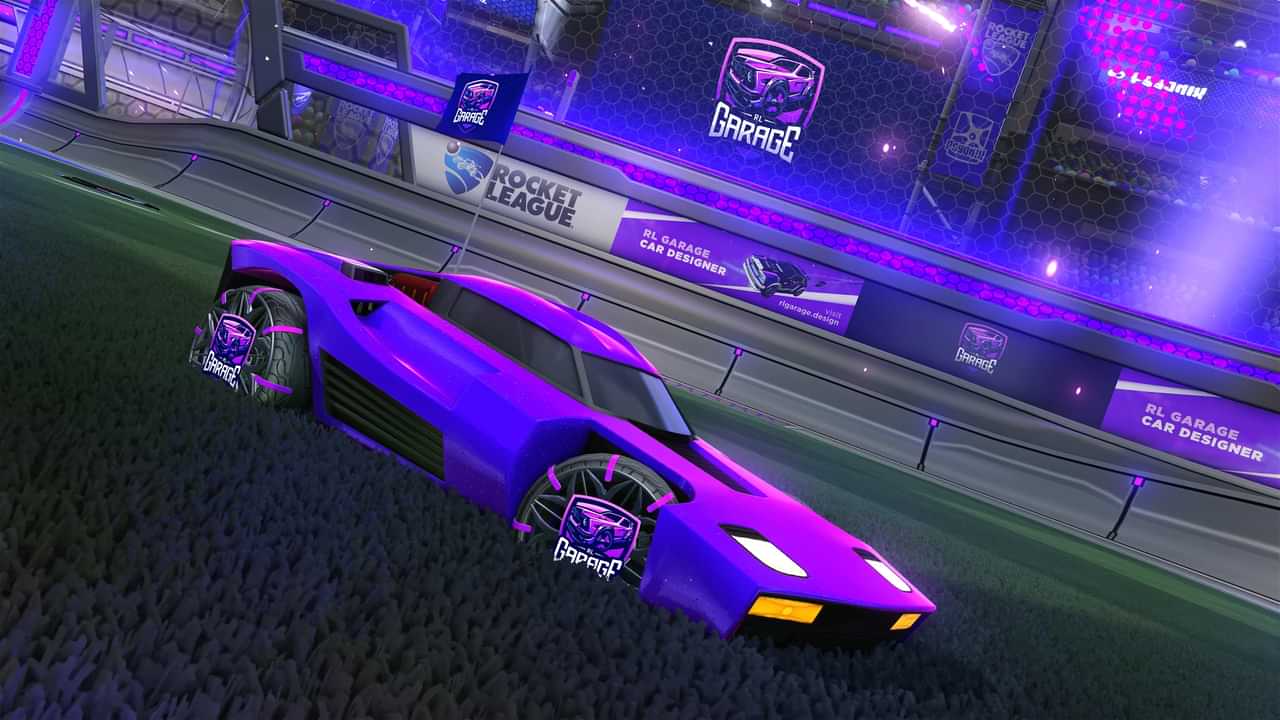
If you’re about to install it, the first question is simple — how much space does Rocket League take up? The answer changes depending on whether you’re on PC, PlayStation, Xbox, Nintendo Switch, or Mac. This guide covers the full download size for every platform, system requirements, and exactly how to free up storage if you’re short on space.
Want to dominate ranked once you’re in? Check out our Rocket League Rank Boosting for fast, secure rank progression. Pick your current and target rank, get matched with a Grand Champion booster, and skip the elo grind.
Related Guides:
How Big Is Rocket League? Quick Answer
Rocket League takes between 17 GB and 25 GB of storage depending on your platform. PC players need the most space at 25 GB, while Xbox users get away with the smallest install at 17 GB.
That’s the short answer. Below is the full breakdown.
Rocket League File Size by Platform
The exact install size varies by platform thanks to different texture packs, audio compression, and platform-specific optimizations.
| Platform | Required Storage |
|---|---|
| PC (Windows) | 25 GB |
| PlayStation (PS4/PS5) | 22 GB |
| Xbox (One/Series X|S) | 17 GB |
| Nintendo Switch | 18.9 GB |
| Mac | 20 GB |
Keep an extra 5–10 GB free on top of the install size. Rocket League updates regularly, and patch files temporarily eat extra storage during downloads.
How to Download Rocket League on Windows
Rocket League moved to the Epic Games Store and stayed free-to-play. Here’s how to install it on PC:
- Visit the Epic Games website at epicgames.com
- Download the Epic Games Installer (around 180 MB)
- Run the installer and complete setup
- Create an Epic Games account (or log in with an existing one)
- Open the Epic Games Store, search for Rocket League
- Click Get to add the game to your library
- Install Rocket League — make sure you have at least 25 GB free
The full install can take 20–40 minutes depending on your internet speed. Wired connections are faster than Wi-Fi if you want it done quickly.
How to Download Rocket League on Nintendo Switch
Yes, Rocket League is free on Switch too. Here’s the install process:
- Open the Nintendo eShop from your home screen
- Search for Rocket League
- Select the free download
- Confirm — you need around 19 GB of free space
Switch players can play handheld or docked, and the game runs at a smooth 60 FPS in both modes. Cross-platform play is supported, so you can queue with PC and console friends.
Rocket League System Requirements
If you’re playing on PC, make sure your rig meets these specs.
| Spec | Minimum | Recommended |
|---|---|---|
| OS | Windows 7 (64-bit) | Windows 10 (64-bit) |
| Processor | Dual Core 2.4 GHz | Quad Core 3.0+ GHz |
| RAM | 4 GB | 8 GB |
| Graphics | NVIDIA GTX 760 / AMD Radeon R9 270X | NVIDIA GTX 1060 / AMD Radeon RX 470 |
| DirectX | Version 11.0 | Version 11.0 |
| Storage | 25 GB | 25 GB |
| Internet | Broadband | Broadband |
Most modern laptops meet the minimum specs easily. If you’re chasing competitive performance, aim for the recommended setup to get a stable 144+ FPS.
Is Rocket League Bigger Than Other Games?
Rocket League’s 25 GB install is small compared to most modern competitive games. Here’s how it stacks up:
| Game | Hard Disk Required |
|---|---|
| Rocket League | 25 GB |
| Dota 2 | 48 GB |
| League of Legends | 21 GB |
| Valorant | 30 GB |
| Apex Legends | 75 GB |
| Teamfight Tactics | 12 GB |
Apex Legends is the storage hog of the bunch at 75 GB — three times larger than Rocket League. TFT is the smallest competitive option at 12 GB. If hard drive space is your main concern, Rocket League sits comfortably in the middle of the pack.
How to Free Up Space for Rocket League
Short on storage? Here are five proven ways to clear room before installing Rocket League.
1. Uninstall Unused Programs
Go to Settings → Apps → Installed apps (or Add and Remove Programs on older Windows versions). Sort by size and uninstall anything you haven’t touched in six months. Old launchers, demo games, and forgotten apps add up fast.
2. Clear Temporary Files
Press Win + R, type %temp%, and hit Run. Delete every file that opens — these are temporary cache files Windows no longer needs. This usually frees 2–5 GB instantly.
You can also run Disk Cleanup by searching for it in the Start menu. Tick every checkbox and let Windows wipe system junk.
3. Move Large Files to Cloud Storage
Big video files, photo libraries, and backups eat way more space than you think. Upload them to Google Drive, OneDrive, or Dropbox, then delete the local copies. You keep the files accessible anywhere without filling your drive.
4. Run Disk Defragmentation
Open Defragment and Optimize Drives from the Start menu. Run it on your main drive to consolidate fragmented files. This doesn’t always free much space but can improve game load times noticeably.
5. Add External Storage
If you’re consistently short on space, grab an external SSD or HDD. Modern external SSDs deliver near-internal speeds and let you install Rocket League directly on the external drive without performance issues.
The Scope of Rocket League in 2025
Rocket League isn’t just a casual party game — it’s one of the biggest esports scenes in the world. Here’s the scope of the community right now:
- 2024 RLCS World Championship prize pool: $1,165,000.
- Active monthly players: Over 90.7 million per month (ActivePlayer data).
- Twitch followers: 4+ million following the game’s main channel.
- Top streamers: Squishy Muffinz alone has 967K Twitch followers.
- RLCS 2024 Major 1 viewership: Over 4.86 million hours watched.
- Platforms: Available on PC, PS4, PS5, Xbox One, Xbox Series X|S, Nintendo Switch, and Mac.
- Cross-play support: Full crossplay across all platforms.
The competitive scene is alive, the player base is massive, and the cosmetic economy continues to drive long-term engagement. Whether you’re casual or grinding for Grand Champion, the community is one of the most active in any free-to-play game.
Rocket League at a Glance
| Category | Detail |
|---|---|
| Smallest install | Xbox at 17 GB |
| Largest install | PC at 25 GB |
| Free-to-play | Yes, on every platform |
| Cross-play | Supported across all platforms |
| Monthly players | 90.7+ million |
| Biggest esports prize pool (2024) | $1.16 million |
| Twitch followers | 4+ million |
| Best platform for new players | PC (free, easy updates, mod support) |
Conclusion
Rocket League takes between 17 GB and 25 GB depending on your platform — Xbox users get the smallest install while PC players need the most space. Either way, the game is free-to-play, runs on almost any modern device, and ties into one of the biggest esports scenes in gaming.
Quick checklist before you install:
- For PC: Have 25 GB free and meet the system requirements above.
- For PS5 or PS4: Clear 22 GB and download from the PlayStation Store.
- For Xbox: You only need 17 GB — the smallest footprint of any platform.
- For Switch: Make 19 GB available in the eShop.
- For Mac: Free up 20 GB before installing.
Once you’re in, hop into Casual matches to learn the controls, then jump into Ranked when your aerials feel clean. The grind starts here — happy goals.
FAQ (Rocket League File Size 2025)
How big is Rocket League on PC?
Rocket League takes 25 GB of storage on PC (Windows). Make sure to keep an extra 5 GB free for patches and seasonal updates.
Is Rocket League free to download?
Yes. Rocket League went free-to-play in 2020 and remains free on PC, PlayStation, Xbox, Nintendo Switch, and Mac.
How much space does Rocket League take on Xbox?
Rocket League takes 17 GB of storage on Xbox, the smallest install size of any platform.
Can I run Rocket League on a low-end PC?
Yes. Rocket League’s minimum requirements are forgiving — a Dual Core 2.4 GHz CPU, 4 GB RAM, and a GTX 760 or AMD Radeon R9 270X will run it. For smooth 60+ FPS, aim for the recommended specs.