


Seasonal updates in any game happen for somewhat similar reasons. The first reason is to push big updates, which helps existing players stay engaged a little longer. Many players continue playing just because a new season is about to reset. The second reason is that it allows developers to test new systems and changes. During the middle of a season, players expect stability and predictability, so testing new features can hurt the overall experience.
However, at the start of a new season, players expect change, which makes it the perfect time for experimentation. Lastly, seasonal updates also help market the game to new players.
Whatever the reason, seasonal updates are usually packed with content. In this guide, we are specifically focusing on Delta Force. More precisely, this is a complete season reset guide for Delta Force, so follow along.
Stuck grinding ranks for hours in Delta Force and still not seeing real progress? With Delta Force Rank Boost, you skip the slow climb and move straight to the ranks, rewards, and recognition you actually deserve handled by pro players who know exactly how to get you there fast and safely.
Related Guides:
Delta Force Settings 2026 for FPS, Visibility, and Performance
Delta Force Hazard Operations: Complete Guide 2026
What Is a Season Reset in Delta Force?
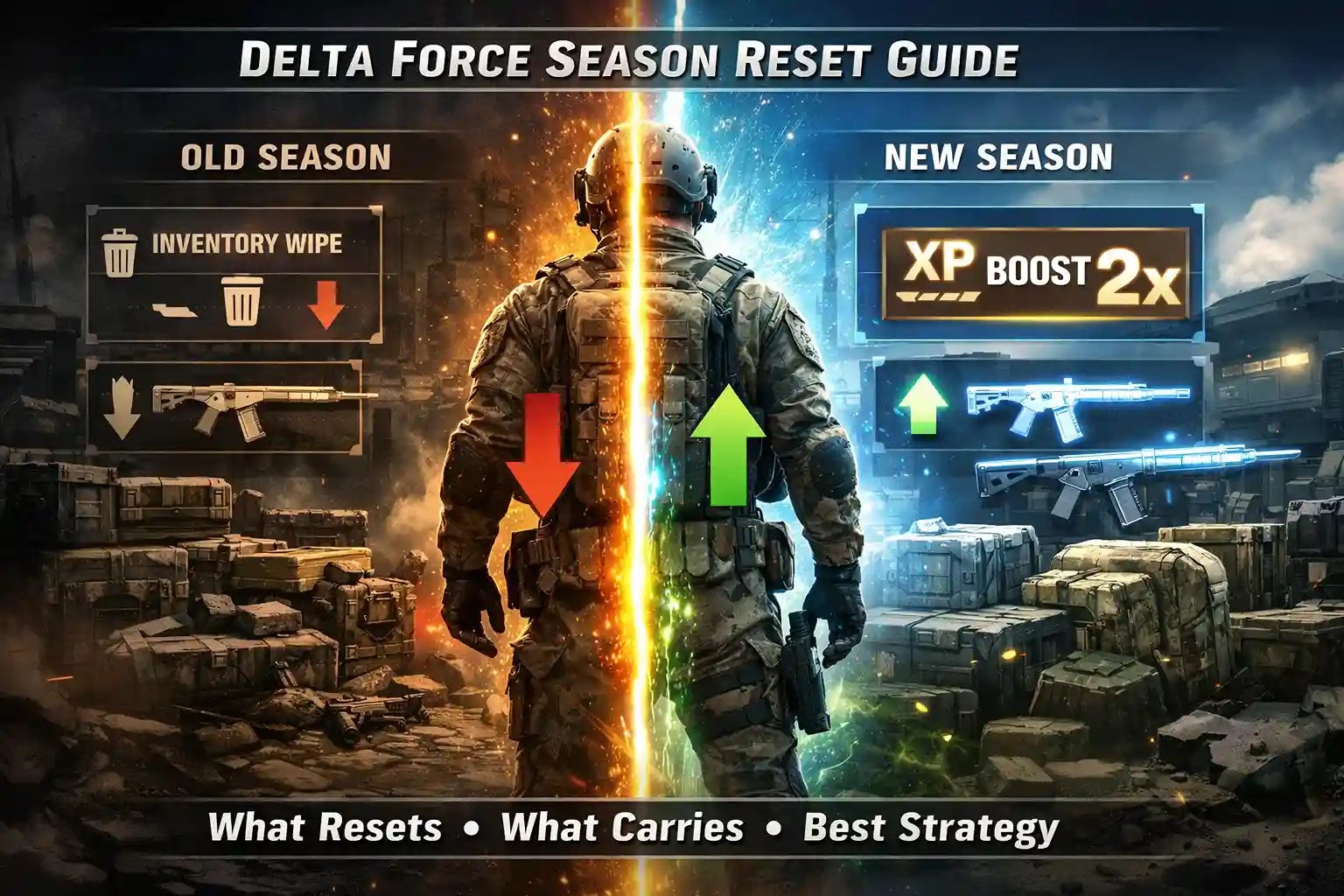
In Delta Force, a season reset occurs every 90 days (approximately 3 months). This reset introduces a wipe system, which can sometimes be optional and sometimes mandatory depending on the update.



During a season reset, players lose several types of progress, including:
- Extraction stash
- Quest progress
- 3×3 safe box
However, not everything is wiped. Some important elements remain intact:
- In-game currency (Delta Coins and premium currencies)
- Battle pass rewards (cosmetics, skins, avatars)
This system is similar to other seasonal games like Valorant, Overwatch 2, and Apex Legends, where ranks and seasonal progress reset. However, Delta Force has one key advantage:
Warfare mode progress and its rewards are preserved, which gives players a consistent progression system outside seasonal wipes.
What Resets vs What Carries Over
Below is a clear breakdown of what you lose and what you keep after a Delta Force season reset:
| What Resets | What Carries Over |
|---|---|
| Operations Level & Vendor Reputation | Delta Coins and premium currencies |
| Stash Inventory (Guns, Armor, Materials) | Weapon blueprints and unlocked weapons |
| 3×3 Safe Box (Resets to 2-slot baseline) | Cosmetics (skins, avatars) |
| Active Tactical Armament Vouchers | Battle Pass rewards |
| Crafting Station Progress | Key cards |
How to Make the Most Out of a Season Reset
Now comes the most important question: how do you actually benefit from a season reset?
No matter what you do, some of your progress will be wiped. The goal is to prepare smartly before the reset and take advantage of early-season opportunities.
Use All Tactical Armament Vouchers
Before the season reset hits, make sure to use every Tactical Armament Voucher you have.
- These vouchers will either get wiped
- Or they can be converted into high-tier rewards
Best strategy:
Go for high-risk, high-reward runs (often called “suicide runs”) before the reset. There’s no downside since the items would be wiped anyway.
Liquidate Your Inventory
If you plan to opt into the wipe, you should sell off low-tier gear and common materials.
- These items will be wiped anyway
- Selling them gives you usable currency
But the goal here isn’t just to accumulate a lot of in-game currency. Instead, you should:
- Invest in skills
- Push toward prestige
- Prepare for faster early progression
Use Your Safe Box Smartly
If you have a safe box, you can use it strategically near the end of the season.
- Activate it on the last day
- Its duration carries into the new season
This gives you an early advantage in the next season without extra cost.
Focus on Early Missions After Reset
Once the season resets:
- The in-game economy refreshes
- Vendor progression resets
Your priority should be:
- Completing missions quickly
- Leveling up vendors early
If you opted into the wipe, you may also receive:
- 1.5x–2x XP multiplier
Use this boost to power-level your operators as fast as possible.
Advanced Pre-Reset Preparation Strategy
If you want to go beyond basic preparation, here’s a more optimized approach used by experienced players:
Resource Optimization Approach
- Convert low-value loot into usable currency
- Avoid holding unnecessary duplicate gear
- Prioritize items that provide immediate gameplay value
Risk Management Before Reset
- Take aggressive fights since losses don’t matter
- Practice combat mechanics without fear of losing gear
- Experiment with loadouts you normally wouldn’t use
This phase is less about winning and more about learning and extracting value before everything resets.
Post-Reset Early Game Strategy
The first few days of a new season are the most important.
Why Early Season Matters
- Everyone starts on equal footing
- Economy is fresh
- Competition is less optimized
What You Should Focus On
- Complete early quests rapidly
- Unlock vendor tiers faster than others
- Build a stable stash early
- Avoid unnecessary PvP fights until geared
Players who optimize the first 48–72 hours usually dominate the rest of the season.
What Changes in a New Season (Morphosis Update)
Delta Force’s new season, Morphosis, introduces fresh content and gameplay changes. While the content itself is important, here’s what directly affects your reset experience:
- Your rank gets partially reset (you drop but don’t start from zero)
- The Battle Pass fully resets with new rewards
- Stats and leaderboards refresh for a new competitive cycle
- Core unlocks (weapons and gear) remain, but balance changes may affect their strength
This means:
- Your long-term progression remains stable
- Competitive systems refresh to keep gameplay fair
- Meta shifts can change what weapons or strategies are effective
Beginner-Friendly Reset Strategy (Simple Framework)
If you want a simple plan to follow before and after reset:
Before Reset:
- Use all Tactical Armament Vouchers
- Sell low-value gear
- Activate safe box late
- Spend currency wisely
After Reset:
- Focus on missions
- Level vendors quickly
- Use XP boosts efficiently
- Rebuild your stash strategically
Common Mistakes to Avoid
- Hoarding vouchers until they get wiped
- Keeping low-value gear instead of selling it
- Ignoring early-season XP boosts
- Not focusing on vendor progression
- Playing too passively before reset
- Entering High-risk zones without preparation
Practical Tips for Consistent Progress
- Always plan your loadout based on mission type
- Don’t overinvest in gear early in the season
- Keep a balance between risk and reward
- Learn extraction points early
- Focus on efficiency, not just survival
Conclusion
So that’s about it for this guide. This was a complete breakdown of how you can navigate through the season reset in Delta Force.
Although the wipe system is optional, opting in can give you a strong advantage. Since the economy resets and XP boosts are available, you get an easier chance to rank up and earn more rewards with less effort.
Focus on preparation before the reset and efficiency after it. If you follow the strategies discussed in this guide, you’ll be fully ready for the next season reset and able to make the most out of it.
FAQ’s
Does Delta Force reset every season?
No, Delta Force uses an optional wipe system. You can choose whether to reset your progress for exclusive prestige rewards or keep your progress as it is.
How long do seasons last in Delta Force?
Every season in Delta Force lasts up to 3 months or 90 days.
How to reset the stash in Delta Force?
Go to Operations mode and select stash. Choose the items you want to remove and sell them to the supply station or auction them. You can also reset everything by opting into the seasonal wipe.
Does your level reset in Delta Force?
No, your main account level does not reset.