


Some games are the cornerstone of gaming. They have existed since the early days of modern gaming and are still industry giants today. For example, the first Tekken game was released back in 1994, and even after more than 30 years the franchise remains one of the biggest fighting games in the world, with its latest release Tekken 8.
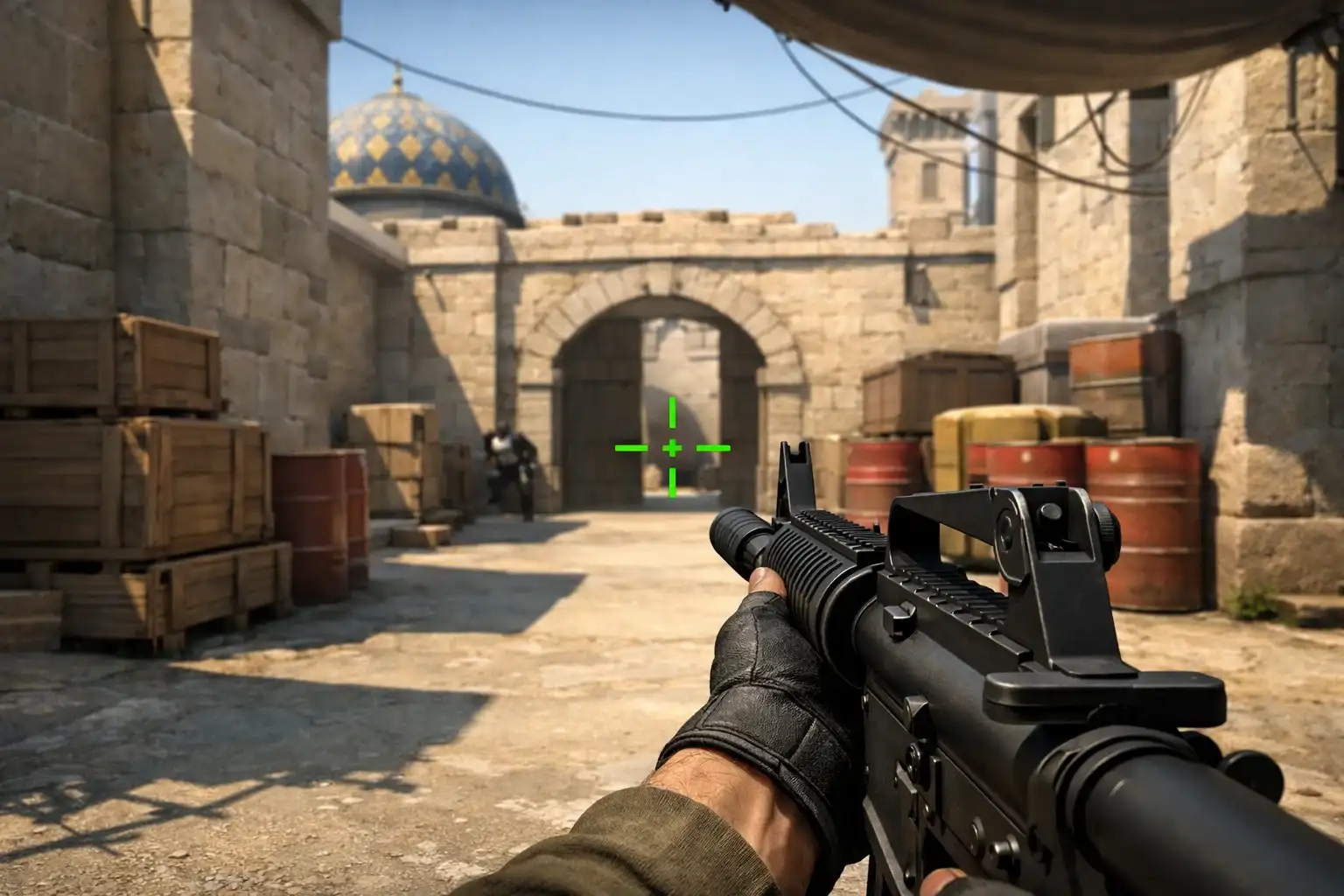
Another example is Counter-Strike. Released in 1999, the game quickly became the blueprint for how a tactical shooter should be played. Over the years, many games have tried to compete with Counter-Strike but very few have managed to reach its level of popularity.
Even after more than two decades, the series is still dominating the competitive shooter space. With the release of Counter-Strike 2, the game is bigger than ever before, attracting tens of millions of players every month.
With so many new players joining the game, understanding the best settings and options can make a huge difference in performance. In this guide, we will go over the best Counter-Strike 2 settings used by many professional players so you can improve your gameplay experience.
Struggling to climb the ranks in Counter Strike and stuck with low placement matches? Our Counter Strike win boost service quickly elevates your wins, letting you start competitive games at the level you deserve. Get started today and experience faster wins, higher ranks, and smarter matchmaking.
Related Guides:
- How to Boost FPS in Counter-Strike 2 (CS2) in 2026
- Best sites to sell CS2 Skins: Complete Guide
- Counter-Strike 2: How to Bunny Hop complete guide
Best Counter-Strike 2 Settings
In a tactical shooter like Counter-Strike, performance is everything. Players want maximum FPS, low input delay, and clear visuals to react quickly during fights.
Many professional players intentionally use lower resolutions because it increases FPS and makes enemy models appear slightly wider on the screen, which can make aiming easier.



Below are some of the most commonly used video settings among professional Counter-Strike players.
Best Video Settings for Counter-Strike 2
Recommended Resolution Settings
| Setting | Recommended Value |
|---|---|
| Resolution | 1280 × 768 |
| Aspect Ratio | 16:10 |
| Scaling Mode | Stretched |
These settings provide higher FPS while keeping enemies clearly visible, which is why they are widely used in competitive play.
Advanced Video Settings
Here are the best advanced video settings for performance and competitive visibility.
| Setting | Recommended Value |
|---|---|
| Boost Player Contrast | Disabled |
| V-Sync | Disabled |
| NVIDIA Reflex Low Latency | Enabled + Boost |
| NVIDIA G-Sync | Disabled |
| Maximum FPS In Game | 999 |
| Multisampling Anti-Aliasing Mode | 8x |
| Global Shadow Quality | High |
| Dynamic Shadows | All |
| Model / Texture Detail | Low |
| Texture Filtering Mode | Trilinear |
| Shader Detail | Low |
| Particle Detail | Low |
| Ambient Occlusion | Disabled |
| High Dynamic Range | Quality |
| FidelityFX Super Resolution | Disabled |
These settings strike a good balance between high frame rates and clear visuals, which is exactly what competitive players aim for.
Best Audio Settings in Counter-Strike 2
Sound plays a huge role in Counter-Strike. Hearing footsteps, reload sounds, and enemy movement can often determine whether you win or lose a round.
First, it helps to use headphones with a wide sound stage, as they allow you to hear directional audio more clearly.
Another useful trick is to increase higher frequencies in your EQ settings by 2–3 decibels. This can make footsteps sound sharper and easier to identify.
Below are some recommended in-game audio settings.
| Setting | Recommended Value |
|---|---|
| Master Volume | 50% |
| EQ Profile | Crisp |
| L/R Isolation | 0% |
| Perspective Correction | Yes |
These settings help maintain clear and accurate sound positioning, which is critical during competitive matches.
Useful Counter-Strike 2 Console Commands
The developer console allows players to customize certain game settings through commands. You can open the console by pressing the ` (tilde) key.
Below are some commonly used commands.
Viewmodel Settings
viewmodel_fov 68;
viewmodel_offset_x 1;
viewmodel_offset_y 0.5;
viewmodel_offset_z -1.5;
viewmodel_presetpos 0;
These commands adjust the weapon position and field of view, making it easier to see the screen during fights.
Mouse Wheel Jump (Bunny Hop Setup)
bind mwheelup +jump
bind mwheeldown +jump
bind space +jump
This allows players to use the mouse wheel for jumping, which makes bunny hopping easier.
Frame Rate Settings
fps_max 0
This removes the FPS limit, allowing the game to run at the highest frame rate your system can handle.
Best Launch Options for Counter-Strike 2
Launch options allow you to apply certain commands every time the game starts, which can improve performance and remove unnecessary background processes.
Add the following commands in Steam Launch Options:
+fps_max 0
-nojoy
-softparticlesdefaultoff
+violence_hblood 0
+r_drawparticles 0
-console
These launch commands help optimize the game for better performance and responsiveness.
Crosshair, Sensitivity, and Keybinds
When it comes to crosshair settings, you can copy crosshair codes from professional players if you want a starting point.
However, sensitivity and keybinds are much more personal. Counter-Strike players usually need time to find the perfect mouse sensitivity and keyboard layout that feels comfortable.
The best approach is simple:
- Experiment with different sensitivity values
- Try multiple crosshair styles
- Adjust keybinds until everything feels natural
Eventually, you will discover a combination that fits your playstyle.
Final Thoughts
Counter-Strike 2 is a highly competitive tactical shooter where small adjustments can make a big difference. Optimizing your video settings, audio settings, and console commands can help you achieve better performance and clearer visibility during matches.
While copying professional settings is a good starting point, the most important step is to adjust everything until it feels comfortable for you.
With the right setup and enough practice, you will be able to improve your gameplay and compete at a much higher level in Counter-Strike 2.