


The difference between a veteran and a newbie in any game is huge. Every veteran was once a beginner, but through time, effort, and learning, they became renowned. In video games, however, you’ll often encounter players who perform better than you even if they have played less. That’s because they learn from experienced players and implement strategies, playstyles, or even in-game settings effectively.
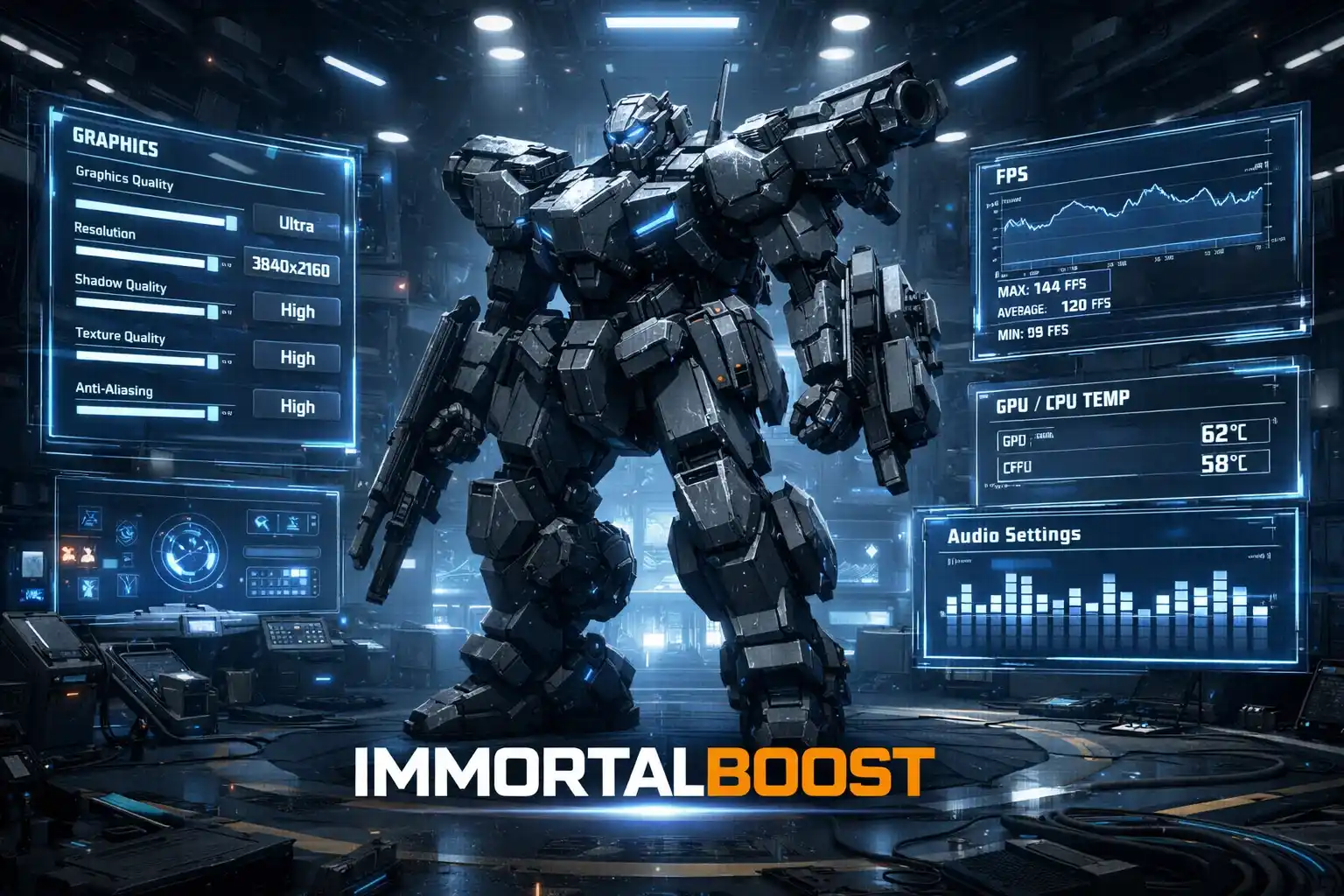
Having guidance from an experienced player can accelerate your progress significantly. In this guide, we’ll focus on the best settings for Mecha Break, covering video, audio, and system optimization. By the end, you’ll have settings optimized for both performance and visuals, giving you an edge in every battle.
Skip the grind in Mecha Break! Our expert boosting services help you achieve wins, top ranks, and elite gear in record time.
System Requirements
Before adjusting your settings, ensure your system can run Mecha Break smoothly. Here are the recommended minimum specifications:
| Component | Minimum Requirement |
|---|---|
| CPU | Intel i5 6500 or Ryzen 3 1200 |
| GPU | Nvidia GeForce GTX 1650 or Radeon RX 6400 |
| RAM | 8 GB |
| File Size | 60 GB |
| OS | Windows 10 or Windows 11 |
These requirements are relatively low-end, making it easy to build a budget-friendly PC to play the game. Once your system meets these specs, you can focus on optimizing in-game performance.

Video Settings
Display Settings
| Setting | Recommendation |
|---|---|
| Display Mode | Fullscreen |
| Resolution | Native or 1920×1080 |
| Vertical Sync | Off |
| Frame Rate Limit | Unlimited or monitor refresh rate |
| API | DirectX 12 |
Graphics Settings
| Setting | Recommendation |
|---|---|
| Super-Resolution Quality | Quality mode |
| Frame Generation | Off |
| Textures | High |
| Global Illumination | Medium to Low |
| Screen Space Ambient Occlusion | Off |
| Screen Space Reflection | Off |
| Volumetric Fog | Off |
| Weather Effects | Medium |
| Virtual Geometry Precision | Medium to Low |
| Terrain Precision | Medium to Low |
| Streamed Texture Quality | Standard |
| Motion Blur | Off |
| Depth of Field | Off |
| Radial Blur | Off |
These settings balance visual quality and performance. They are commonly used by players in Legendary and Indestructible ranks, ensuring smooth gameplay without sacrificing important visuals.
Audio Settings
Mecha Break’s audio settings are limited, but you can optimize sound cues with an equalizer:
- Low frequencies: Reduce by 2–3 dB to avoid muffled sounds.
- Mid frequencies: Keep neutral.
- High frequencies: Increase by 1–2 dB to better hear footsteps, gunshots, and environmental cues.
Spatial audio or surround sound effects are minimal in the game, so EQ adjustments are the most effective way to improve in-game audio awareness.
Conclusion
That’s it for the Mecha Break best settings guide. Controls were intentionally left out because keybinds and mouse sensitivity are personal preferences. The video and audio settings covered here will have the most impact on gameplay, helping you stay competitive and enjoy a smooth gaming experience.
FAQs
Q1: Can I run Mecha Break on a lower-end PC than listed?
A: Yes, but you may need to reduce graphics settings to maintain stable frame rates and smooth gameplay.
Q2: Are these settings suitable for competitive play?
A: Absolutely. These settings are used by top-ranked players to balance performance and visuals for optimal gameplay.
Q3: How can I further improve audio awareness in Mecha Break?
A: Use an EQ software to tweak high and low frequencies, ensuring footsteps and gunfire are easier to hear without altering mid-range sounds.